
Items
Waypoint Cartridge
A way to store previous positions for future travels.
A Waypoint Cartridge can be crafted like so:
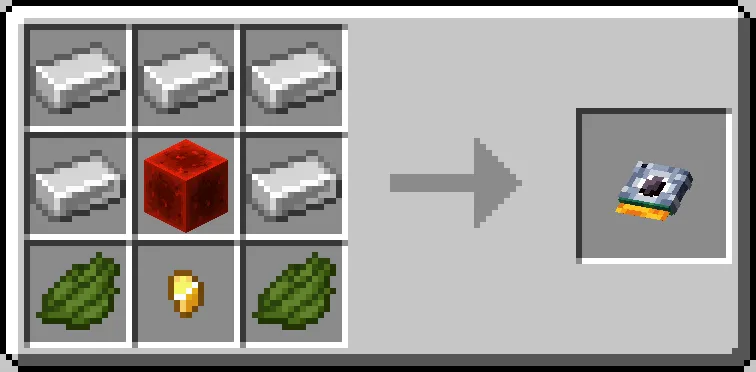
These can be used to save coordinates for a later date, or to share coordinates with friends. They also have the ability to be customized either by naming them in an anvil or dyeing them with any color in the game (only when they have coordinates saved!). To see what coordinates are saved onto the cartridge, hover over it in your inventory and hold shift.
How to set a Waypoint Cartridge
- Hold the cartridge item.
Right clickon theconsole porton the console.- Click the
save waypointbutton on the console - Punch the console port to get it back
How to load a Waypoint Cartridge
- Hold the cartridge item.
Right clickon theconsole porton the console.- Click the
load waypointbutton on the console - Punch the console port to get it back
- See the set coordinates on the monitor.
- Alternatively, you can use the Waypoint bank if you have multiple waypoint cartridges!